
Screen and device management
Register screens, read their telemetry and act on them remotely.
PLATFORM
Xignage is a cloud-managed digital signage CMS. Build content, schedule it, publish it to any number of screens, and see the state of every player from one place.
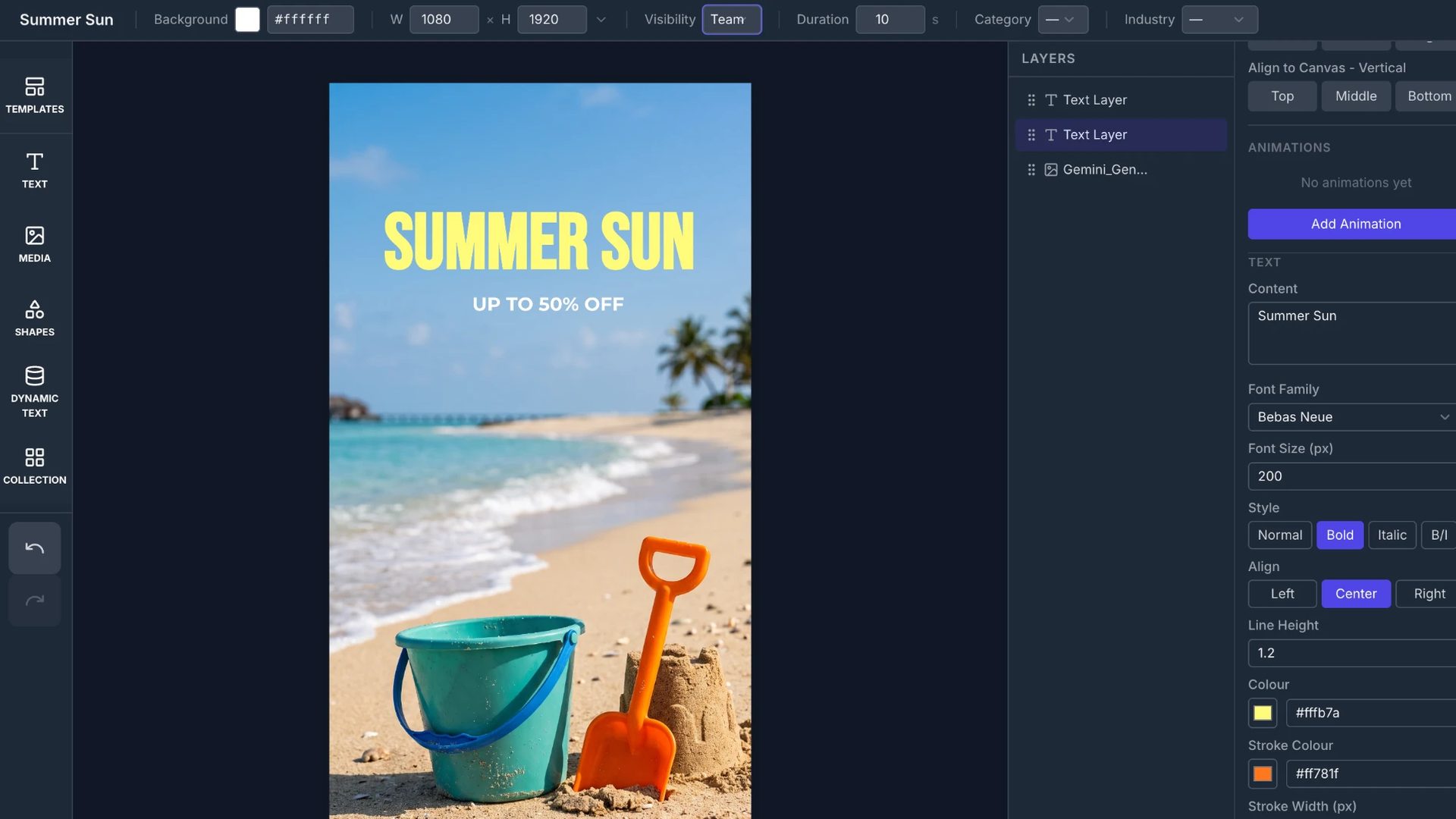
CONTENT
Build content in the browser, animate it, and set when it plays. There is no separate design tool and nothing to install.
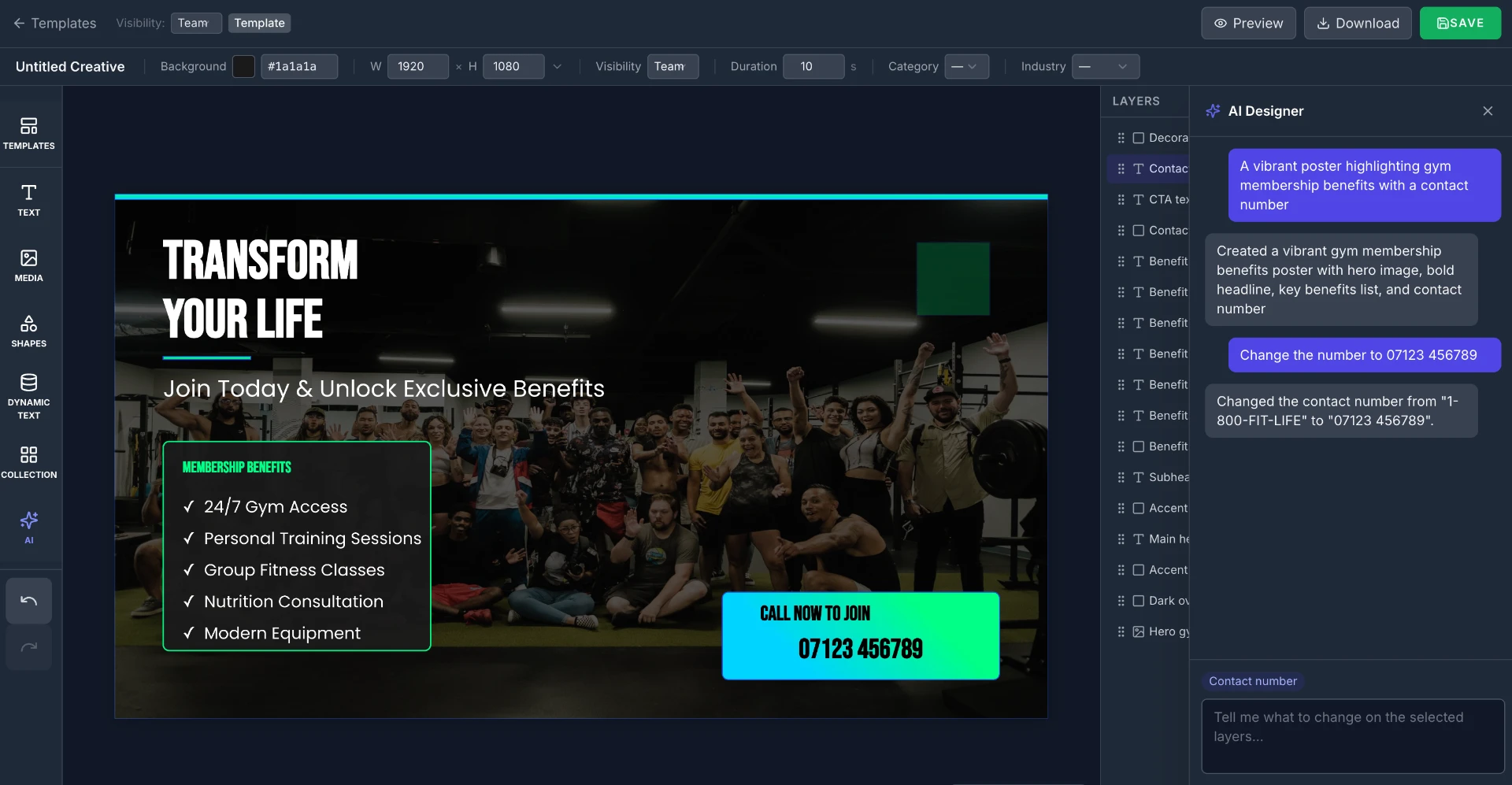
AI
Coming soonGenerate signage content inside the platform. Copy and layout are produced together, ready to edit and schedule like anything else. This is in development and not yet available.
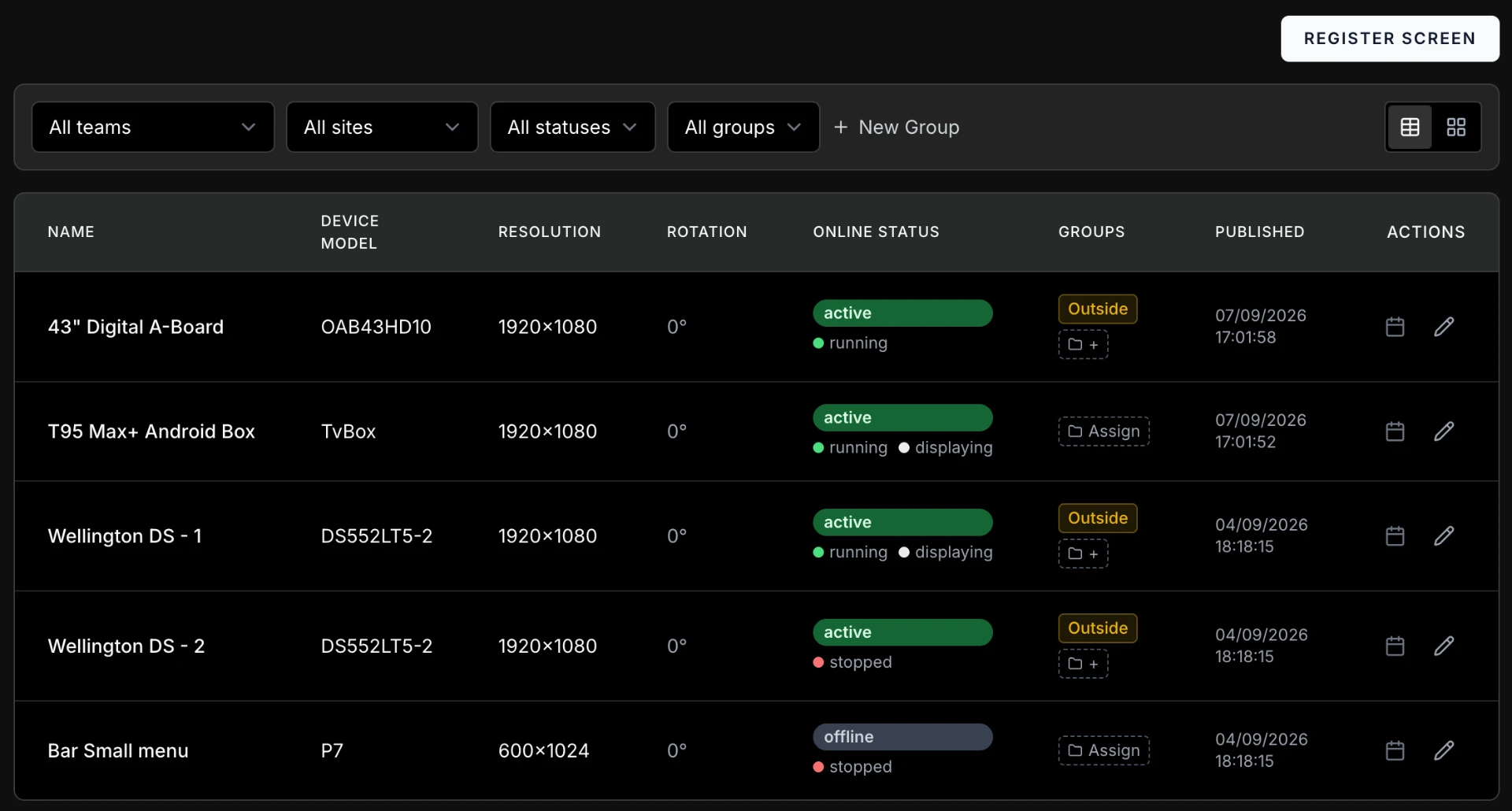
PLAYERS
Xignage runs on any compliant Android player. Xcellence displays ship pre-configured, but nothing requires them.
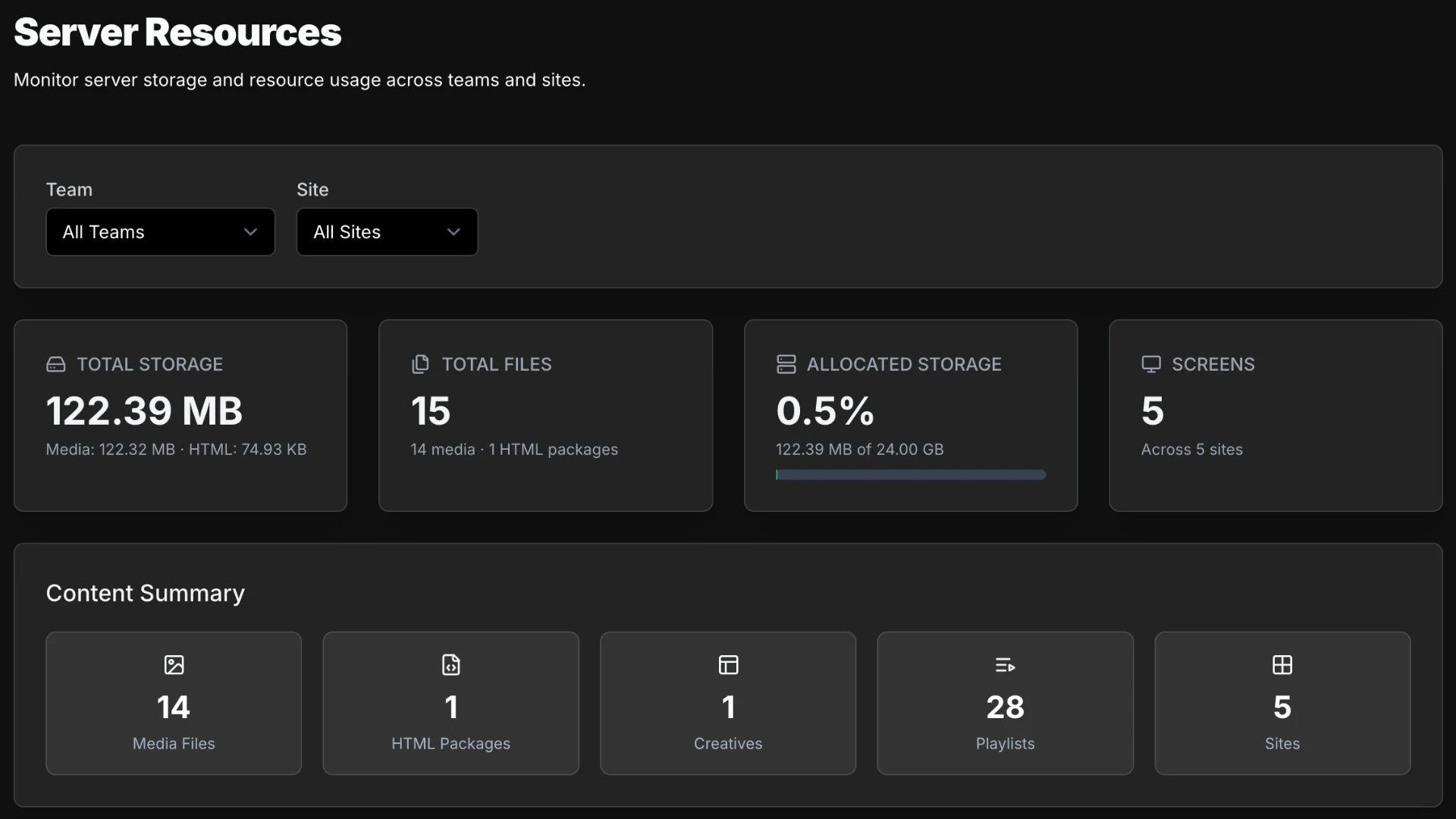
MONITORING
See the state of every screen without visiting it, and act on it from the same place. Device status, what is playing now, and what has stopped.
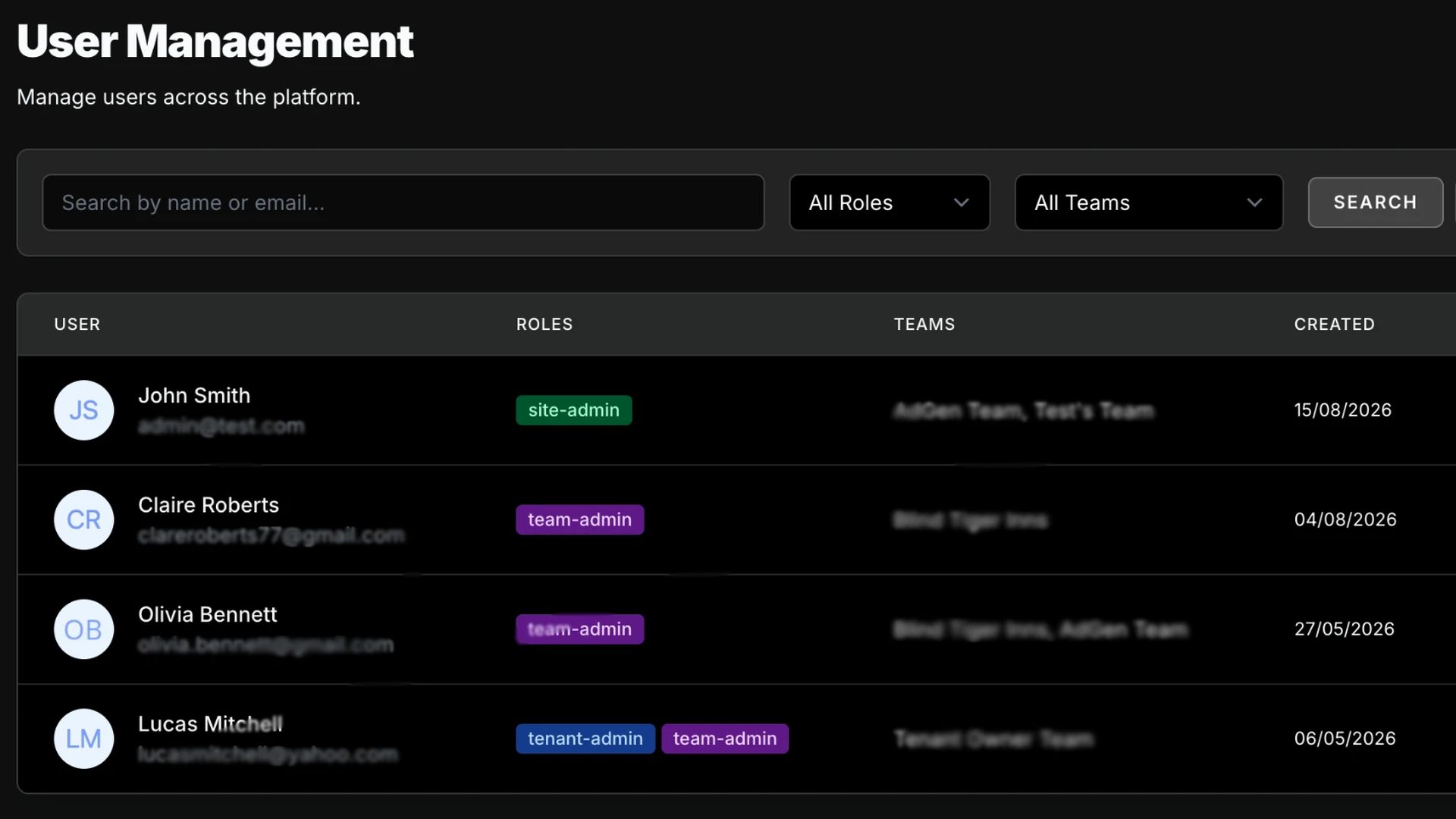
ACCOUNTS
One platform, many isolated accounts. The structure supports a reseller, their customers, and the people inside each customer, without data crossing between them.
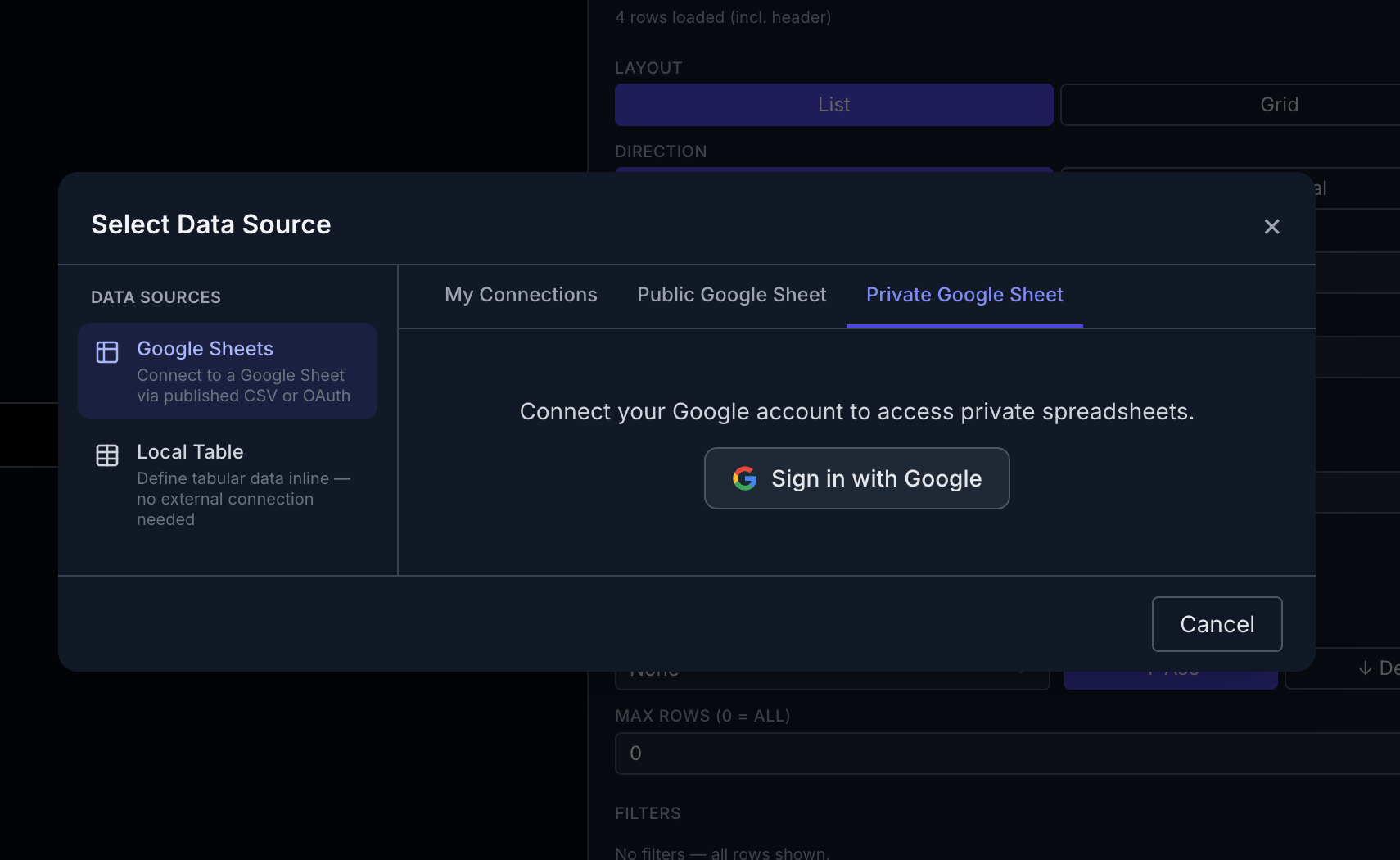
INTEGRATION
Screens can show data that lives somewhere else. Content can be created and scheduled programmatically rather than by hand.
API documentation is available to partners and customers on request.
CAPABILITIES
One page per area of the product, with what it does and what it does not.
Register screens, read their telemetry and act on them remotely.
EXTENSIONS
Extensions extend the platform. Each one is enabled per team, with per-site overrides where a location needs different settings.
A demo takes 30 minutes. Bring a screen and a use case.